Linux Git: What It Is, How to Use It, and Why It Matters
Git was born on Linux, built by the same person who created Linux itself. Understanding that history makes the tool make a lot more sense.
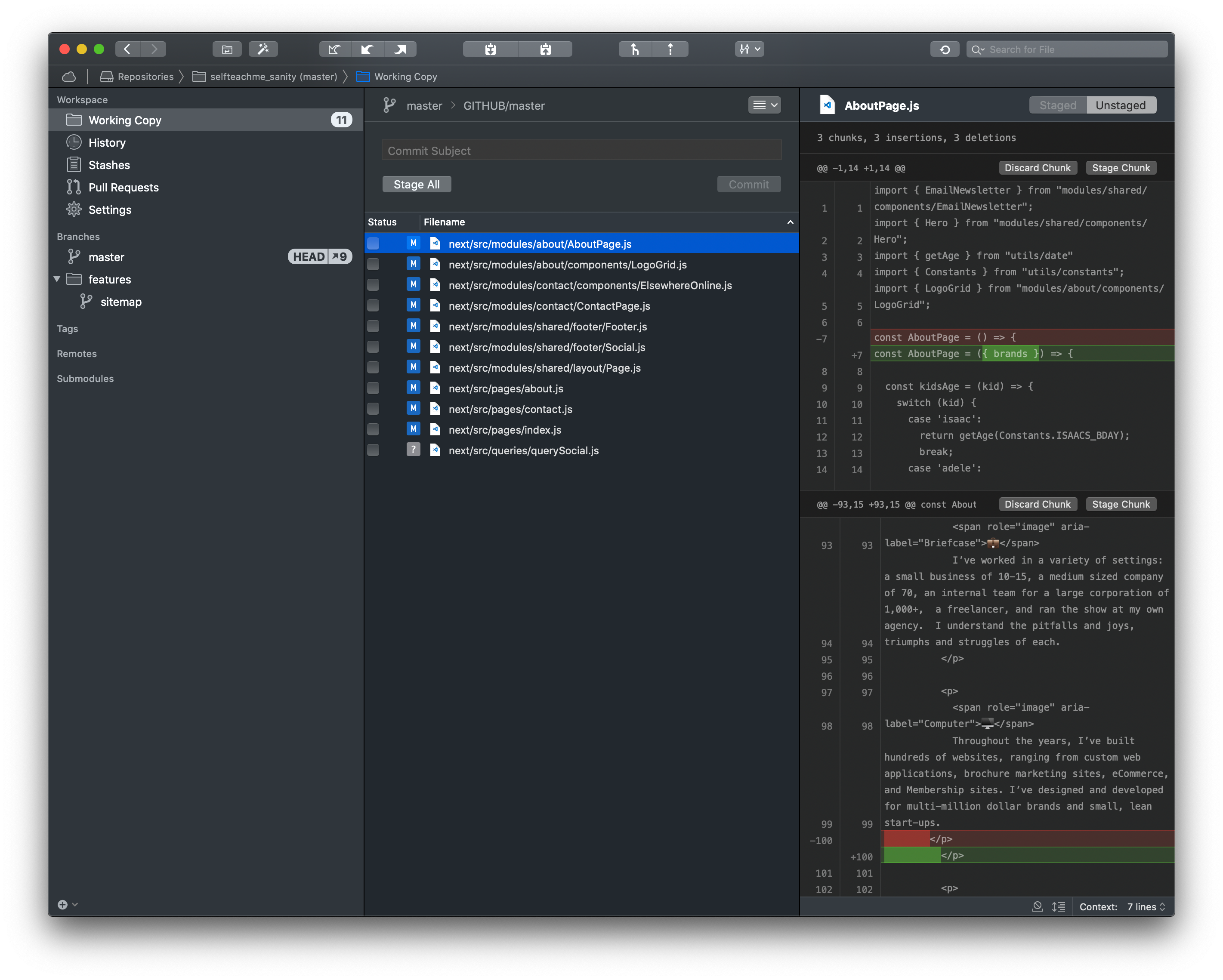
What is Git on Linux?
Git is a distributed version control system. That means it tracks changes to files over time, lets multiple people work on the same codebase without stepping on each other, and gives you a complete history of every modification ever made. On Linux, Git is both a command-line tool you install like any other package and a deeply native piece of the development culture. It feels at home on Linux because it was literally designed there.
When developers talk about "Linux Git," they usually mean one of two things: using Git on a Linux system, or the actual Git repository that contains the Linux kernel source code. Both topics are worth understanding, and they're more connected than most people realize.
Git stores everything in a repository, which is just a directory containing your project files plus a hidden .git folder that holds the full revision history. Unlike older systems like SVN or CVS, there's no single central server you have to talk to for every operation. Your local copy is a complete clone of the repository. You can commit, branch, merge, and inspect history entirely offline.
Why Linus Torvalds created Git (and why he named it that)
The story of Git starts in 2005, and it's a good one. The Linux kernel development team had been using a proprietary distributed version control system called BitKeeper. BitKeeper was free to use for open source projects at the time, which was already an awkward arrangement. Then the relationship between BitKeeper's owner and the Linux community broke down after a licensing dispute, and the free access was revoked.
Torvalds looked at every existing open source alternative and concluded that none of them were fast enough or smart enough to manage the sheer scale of the Linux kernel. The kernel receives thousands of patches from hundreds of contributors. Existing tools choked on that volume. So he did what he does: he wrote something himself. Git went from zero to functional in about two weeks in April 2005. He handed off maintenance to Junio Hamano shortly after, who has led the project ever since.
As for the name: Torvalds has said publicly that "git" is British slang for a stupid, unpleasant person. He's admitted, with characteristic bluntness, that he names his projects after himself. Linux, Git. There's also a reading where it stands for "Global Information Tracker," but Torvalds has largely dismissed that as a backronym. The official Git documentation on git-scm.com even nods to this in its NAME section, listing multiple tongue-in-cheek expansions of the acronym depending on your mood.
The Wikipedia article on Git's history notes that Torvalds described the design goals explicitly: support for distributed workflows, strong safeguards against corruption, and high performance on large projects. Every architectural decision in Git traces back to those constraints.
The Linux kernel's own Git repository
The authoritative source for the Linux kernel is hosted at git.kernel.org, specifically at the path /pub/scm/linux/kernel/git/torvalds/linux.git. This is what people mean when they reference "git.kernel.org pub scm linux kernel git torvalds linux.git" in searches. It's not a GitHub mirror. It's the real thing, maintained directly by Torvalds.
There's also a read-only mirror on GitHub at github.com/torvalds/linux, which is more accessible for casual browsing. If you want to understand what the Linux kernel actually looks like as source code, that GitHub mirror is easier to navigate. For a full explanation of what that repository is and isn't, the article on the Linux kernel on GitHub covers it in detail.
The kernel tree has several related repositories worth knowing. The linux-stable tree, maintained by Greg Kroah-Hartman, is a separate Git repository that tracks stable releases with backported bug fixes. You'd use linux-stable if you need a production-ready kernel without chasing the bleeding edge of Torvalds' mainline tree.
How to install Git on Linux
Yes, you can install Git on any Linux distribution. On most systems it's a one-liner.
Debian and Ubuntu based systems
sudo apt install gitFedora and RHEL based systems
sudo dnf install gitArch Linux
sudo pacman -S gitopenSUSE
sudo zypper install gitAfter installation, the first thing you should do is configure your identity. Git attaches your name and email to every commit you make:
git config --global user.name "Your Name"
git config --global user.email "you@example.com"
That's it. You're ready. The It's FOSS guide to getting started with Git is a solid reference if you want a more visual walkthrough of the installation and initial configuration steps across different distros.
Essential Git commands on Linux
Git has a lot of commands, but day-to-day work uses maybe a dozen of them. Here's what actually matters.
Cloning a repository
To get a copy of an existing project onto your machine:
git clone https://github.com/username/project.gitThis creates a directory called project, downloads the entire history, and sets up the remote origin automatically. If you want to clone the Linux kernel source itself, it's the same command, just pointed at kernel.org or the GitHub mirror. Fair warning: the full kernel repo with all history is several gigabytes. Use --depth 1 if you just want the latest snapshot without the full history.
The basic commit workflow
git status          # see what's changed
git add filename    # stage a specific file
git add .           # stage everything
git commit -m "Describe what you did"
git push origin main
Branching
Branches are cheap in Git. Creating one takes milliseconds.
git branch feature-x        # create a branch
git checkout feature-x      # switch to it
git checkout -b feature-x   # create and switch in one step
Modern Git (2.23 and later) also has git switch and git restore as cleaner replacements for some uses of git checkout. You'll see both styles in the wild.
Merging and rebasing
When your feature branch is ready, you have two main options for integrating it. git merge combines histories and creates a merge commit. git rebase replays your commits on top of the target branch, producing a cleaner linear history. The Linux kernel project specifically requires rebased, clean patches. Most contributor guides for kernel development will tell you to use git rebase -i to squash and clean up commits before submitting.
Viewing history
git log --oneline --graph --allThat one-liner gives you a compact, visual representation of your branch history. It's genuinely useful once you're working with multiple branches.
Is Git better on Linux?
This is a fair question and the honest answer is: yes, mostly. Not because Git is broken on Windows or macOS, but because the Linux environment removes friction that exists elsewhere.
Git was designed with a Unix philosophy in mind. It's a collection of small tools that can be composed together. The shell integration on Linux is excellent. Tab completion, piping git output into grep or awk, writing shell scripts that automate git workflows, all of this works naturally in bash or zsh on Linux without workarounds. On Windows, you're running Git through Git Bash (a MinGW environment) or WSL, which adds a layer of abstraction.
Performance is the other factor. File system operations are a significant part of what Git does, and Linux's file system handling (especially on ext4 or btrfs) is fast. The Git project's own benchmarks and community reports consistently show that large repository operations run faster on Linux than on comparable Windows hardware. The kernel development team works on repositories with millions of files and decades of history. That context shaped every performance decision Git has ever made.
There's also the toolchain question. Most Git hosting platforms, CI systems, and DevOps pipelines run Linux servers. If you develop on Linux, your environment matches production. That's not nothing.
If you're new to the Linux command line in general, getting comfortable with the terminal first will make learning Git much easier. The guide on what the Linux terminal actually is is a good place to start before going deep on Git commands.
How Linux kernel contributors actually use Git
The kernel's Git workflow is more structured than what most developers use day-to-day. Patches don't get submitted as pull requests through a web UI. They get sent as formatted email patches using git format-patch and git send-email, then reviewed on public mailing lists before being picked up by subsystem maintainers.
The flow looks roughly like this: a contributor writes code, commits it locally, uses git format-patch -1 HEAD to generate a patch file, then sends it to the appropriate kernel mailing list. Reviewers respond with comments inline in the email thread. The contributor revises and resends. Eventually a maintainer applies the patch to their subsystem tree using git am, and it propagates up through the merge hierarchy toward Torvalds' mainline tree.
The official kernel documentation on submitting patches walks through this process in exhaustive detail. It's useful reading even if you never plan to contribute to the kernel, because it shows what rigorous Git usage looks like at scale.
This email-based workflow is deliberate. It keeps the development process visible, asynchronous, and independent of any single platform. The entire history of a patch, including the review discussion, lives in mailing list archives rather than on a proprietary platform that could disappear or change its terms.
Getting the Linux kernel source via Git
If you want the actual source code for Linux, Git is the right way to get it. You can download tarballs from kernel.org, but a Git clone gives you the full history and makes it easy to track updates.
git clone https://git.kernel.org/pub/scm/linux/kernel/git/torvalds/linux.gitAgain, the full clone is large. For most purposes, a shallow clone works fine:
git clone --depth 1 https://git.kernel.org/pub/scm/linux/kernel/git/torvalds/linux.gitOnce you have it, git log shows you the commit history. git log --author="Linus Torvalds" filters to just his commits. The messages are often blunt, occasionally colorful, and always specific about what changed and why. Reading kernel commit messages is actually a good way to understand how experienced engineers document their thinking.
For stable releases, clone the linux-stable repository instead:
git clone https://git.kernel.org/pub/scm/linux/kernel/git/stable/linux.gitThat tree gets frequent backport commits fixing serious bugs and security issues in older kernel series, without pulling in new features that could introduce regressions.
A few things worth knowing before you go deep
Git has a reputation for being confusing. Some of that reputation is earned. The terminology is idiosyncratic (why is "checkout" used for both switching branches and restoring files?), and the mental model takes real time to internalize. The good news is that 90% of daily use involves five or six commands. You don't need to understand every git internal to be productive.
The Pro Git book, available free online from git-scm.com, is the most complete and well-written resource on Git that exists. Chapters 1 through 3 cover everything a working developer needs. The later chapters on internals are worth reading once you're past the basics, because understanding how Git actually stores objects makes the behavior of commands like rebase and reset much less mysterious.
Git on Linux isn't just a developer tool. It's the system that made distributed open source development at massive scale possible. Every patch to the kernel, every collaboration across time zones and organizations, runs through it. That's a pretty good track record for something a Finnish engineer threw together in two weeks because he was frustrated with his options.