linuxidx · Basics
What is the Linux terminal?
The terminal looks intimidating, a blinking cursor on a black screen, but it's just a text way to tell your computer what to do. Often it's faster and clearer than clicking, and it's the same on every Linux machine.
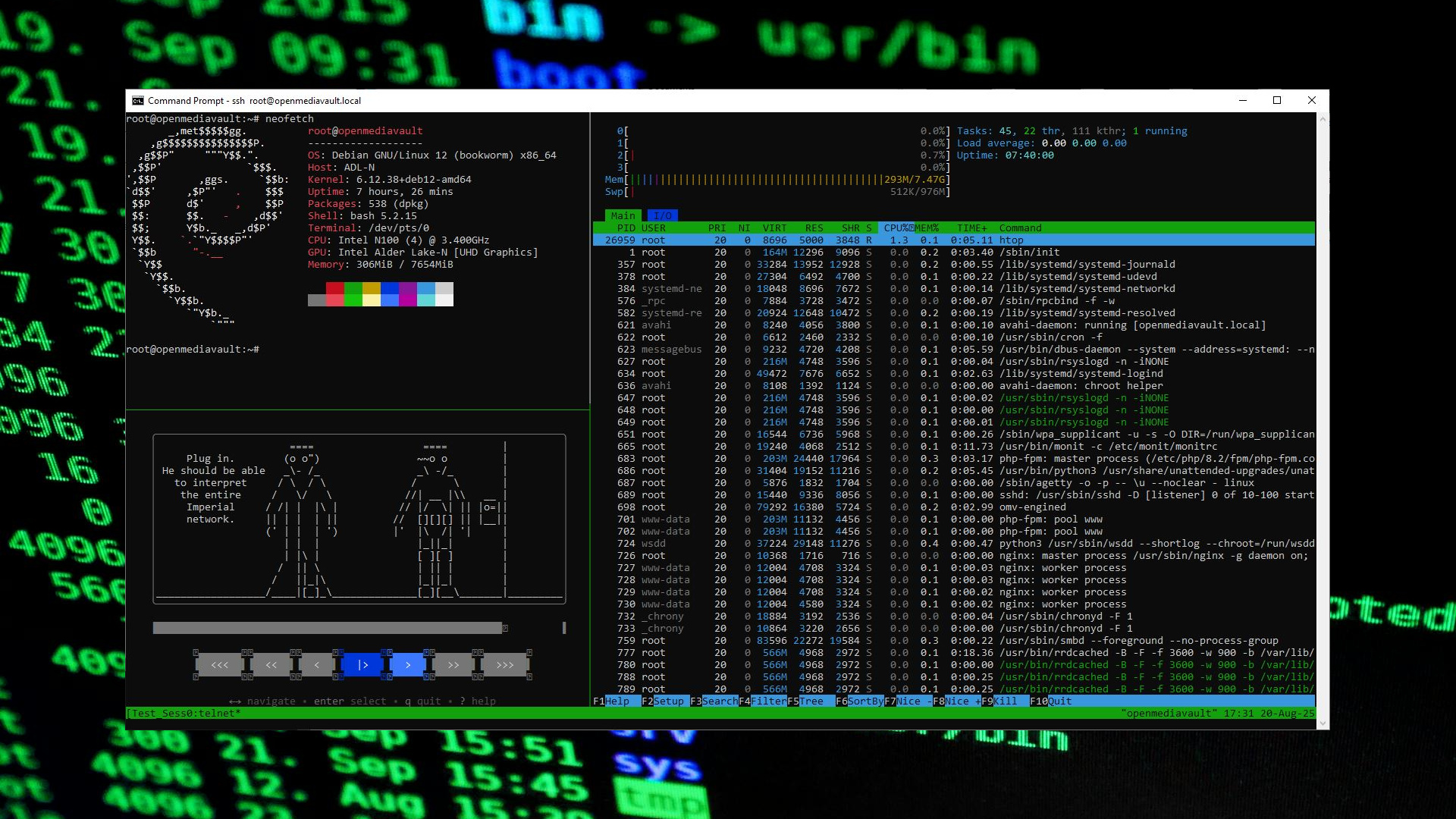
Terminal vs. shell
The terminal is the window. The shell (usually bash or zsh) is the program inside it that reads your typed commands and runs them. You type a command, press Enter, it does the thing. That's the whole loop.
Your first safe commands
pwd, print working directory (where am I?)ls, list files herecd Documents, change into a foldercat notes.txt, show a file's contents
None of these change anything, they're safe to explore with. When you're ready for more, the essential commands guide covers the 25 that do 90% of the work.
Why pros prefer it: commands are exact, repeatable, and scriptable. "Rename 400 files" is a nightmare by mouse and one line in the terminal. You don't have to use it, but a little goes a long way.
From here: how to update Linux, check your version, or find your distro with the homepage finder. For tech reading beyond Linux, more general tech reading.